Work laptop + home PC
Use your good keyboard on the company laptop. No install, no admin rights needed.
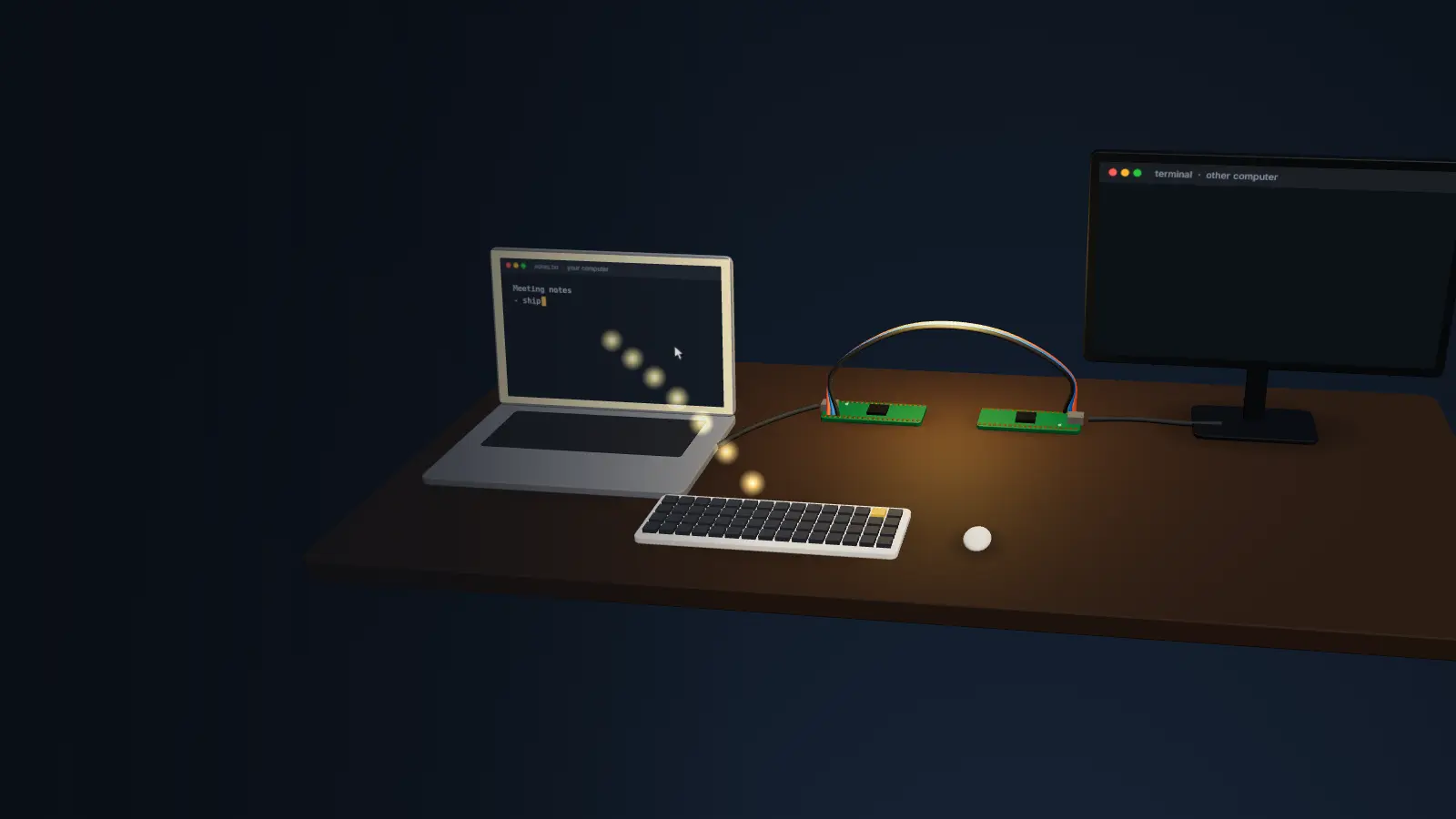
A KVM switch without the switch
Press F12 and your keyboard, mouse and speakers jump to the other computer. Press it again, they're back. No network, no setup on the other side.
Windows & Linux · $15 a year · no account
The whole trick
One tiny Raspberry Pi Pico plugs into each computer. Hopwire sets them up for you: no soldering, no terminal, no drivers.
Nothing to install over there
So it works where software can't: locked-down work laptops, offline machines, and before the OS even starts: BIOS, boot menus, disk passwords.
Your whole desk comes along
Its sound plays on your speakers, your mic joins its calls, and a shared folder syncs both ways. One set of everything.
Who it's for
Use your good keyboard on the company laptop. No install, no admin rights needed.
BIOS, boot menus and disk passwords, from your chair.
One keyboard and one headset for both PCs.
No network between them, ever. Only keystrokes cross.
Record a routine once, replay it on any device.
iPad, Android, Chromebook: if it takes a USB keyboard, it works.
Compare
$40 – $300+
Free – $30
$15 a year
Pricing
Pay once a year, no subscription. Your key arrives by e-mail and works offline.
For you
$15/year
That's $1.25 a month.
For teams
$10/person/year
From 2 people.
Ready to plug in
$40 + $8 shipping
Includes your first year.
Pay with Bitcoin · Monero · Litecoin · Ethereum · USDT
Zero risk
No payment details, no account, no e-mail. If it's not for you, just uninstall.
Windows 10/11 · Linux 64-bit · macOS coming soon
Signed automatic updates · all releases
FAQ
Two Raspberry Pi Pico boards (about $4 each), three jumper wires and two USB cables, or the ready-made kit. The app installs everything onto the boards and shows you which wires go where.
No. It sees a standard USB keyboard, mouse, sound card and drive. Windows, macOS, Linux, ChromeOS, tablets, even BIOS screens.
No. Hopwire adds about 2 milliseconds; a single frame on a 60 Hz screen takes 16.
No. Everything crosses the wire between the two boards. The app only goes online to check for updates, and you can turn that off.
With Bitcoin, Monero, Litecoin, Ethereum or USDT. After paying you send us the transaction with one click, and your key arrives by e-mail, usually within a day. No crypto? The checkout lists where to get some.
Nothing is charged automatically. Hopwire reminds you a month before; renew if you want to keep going.